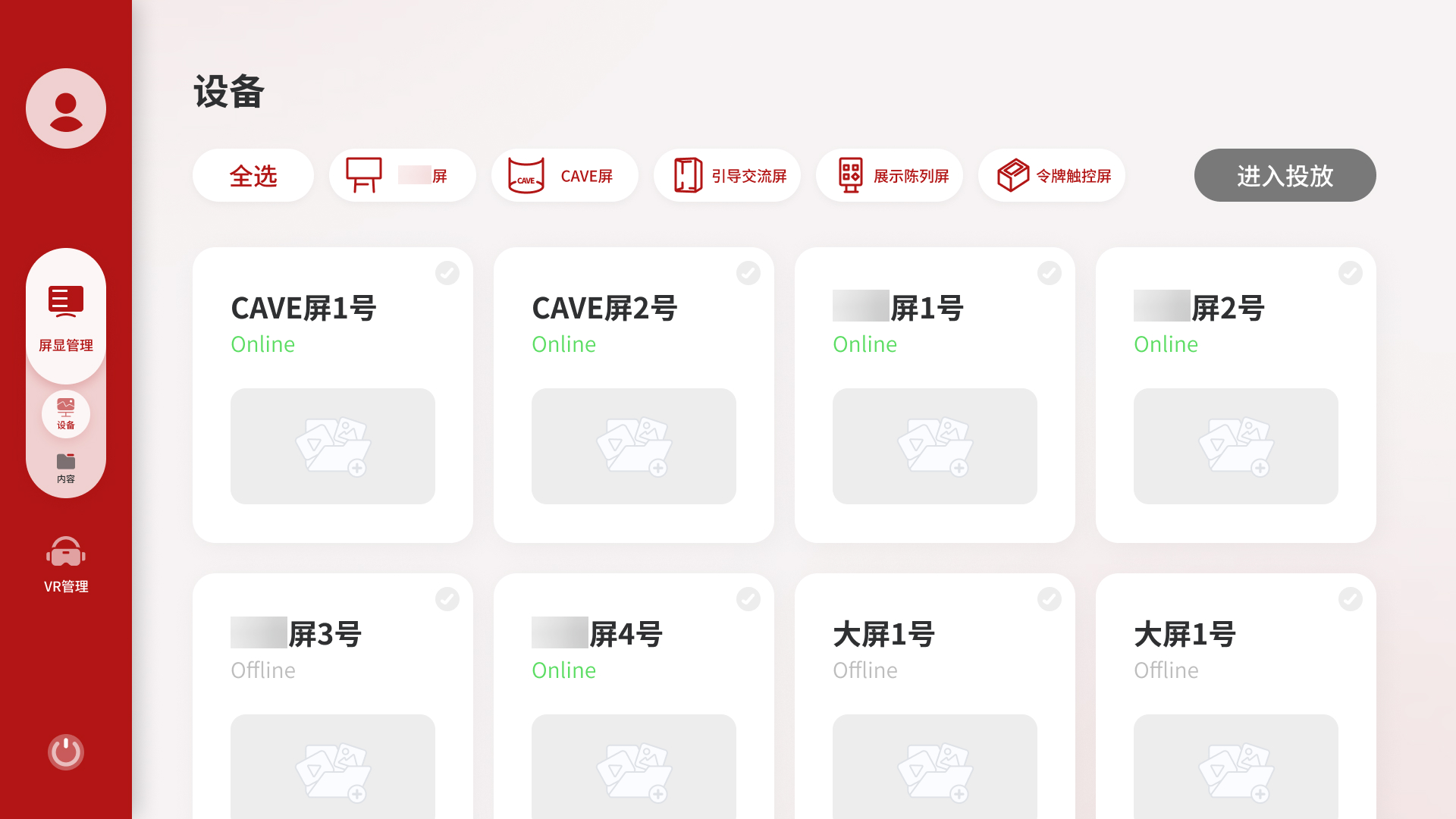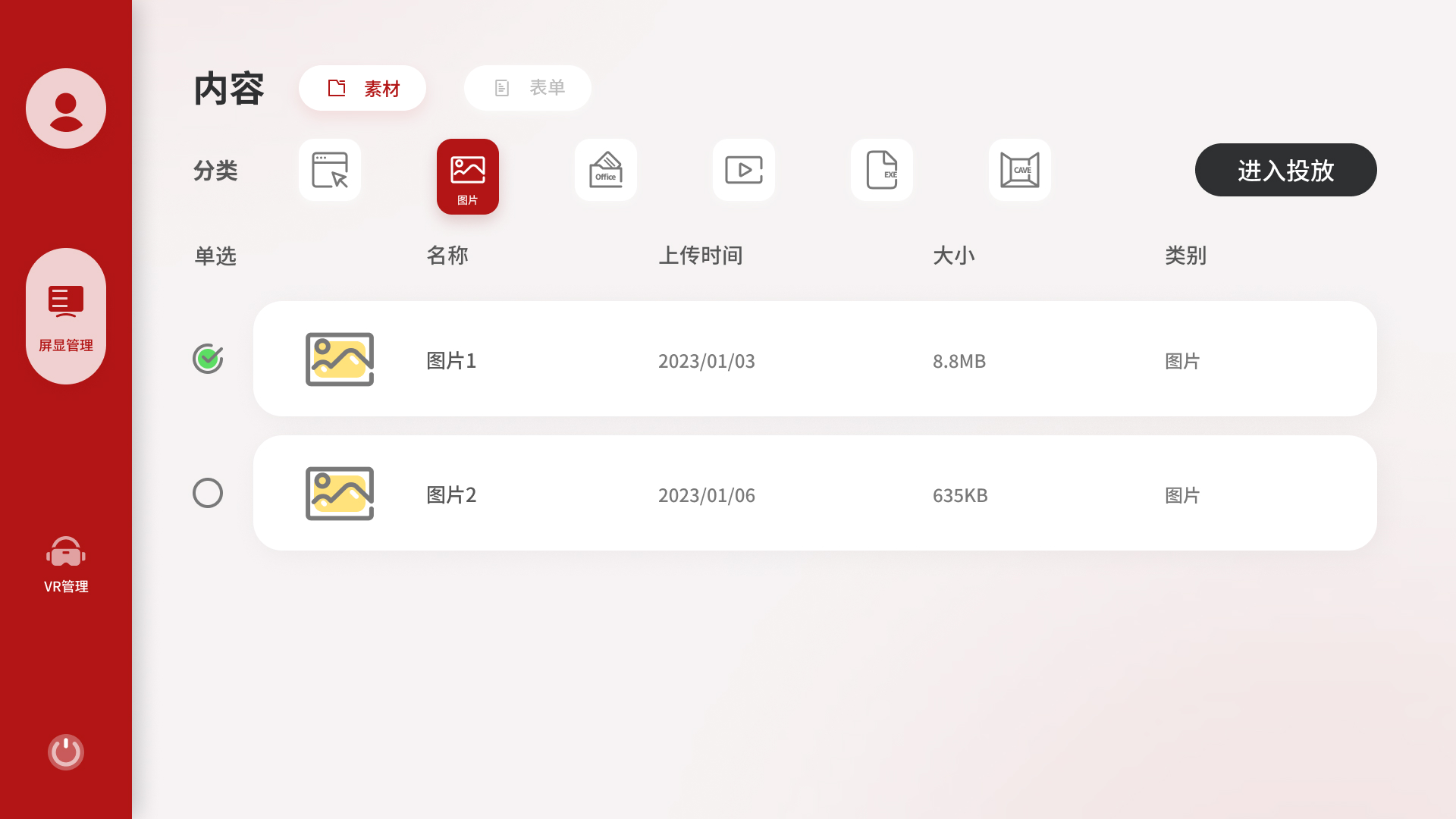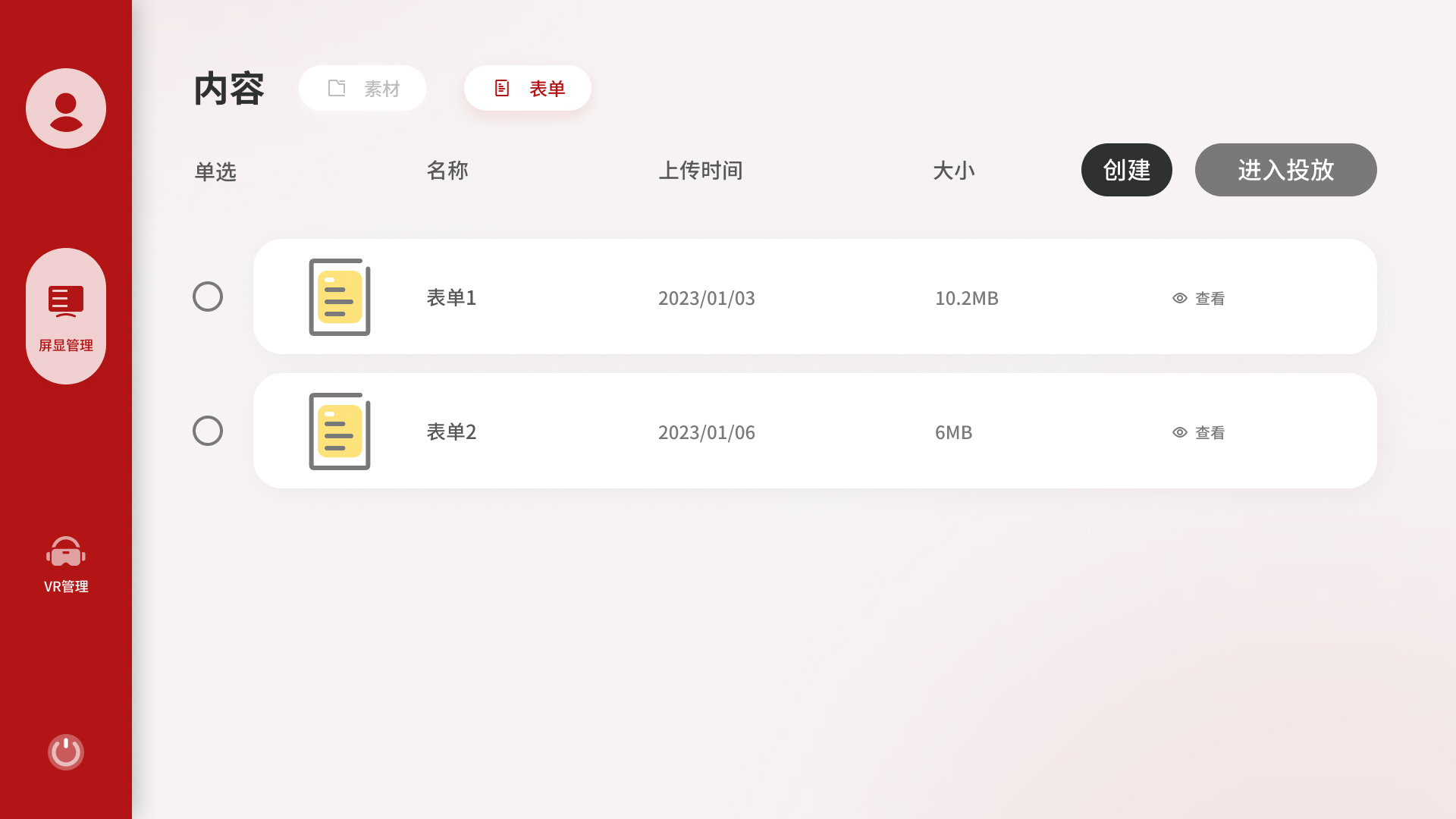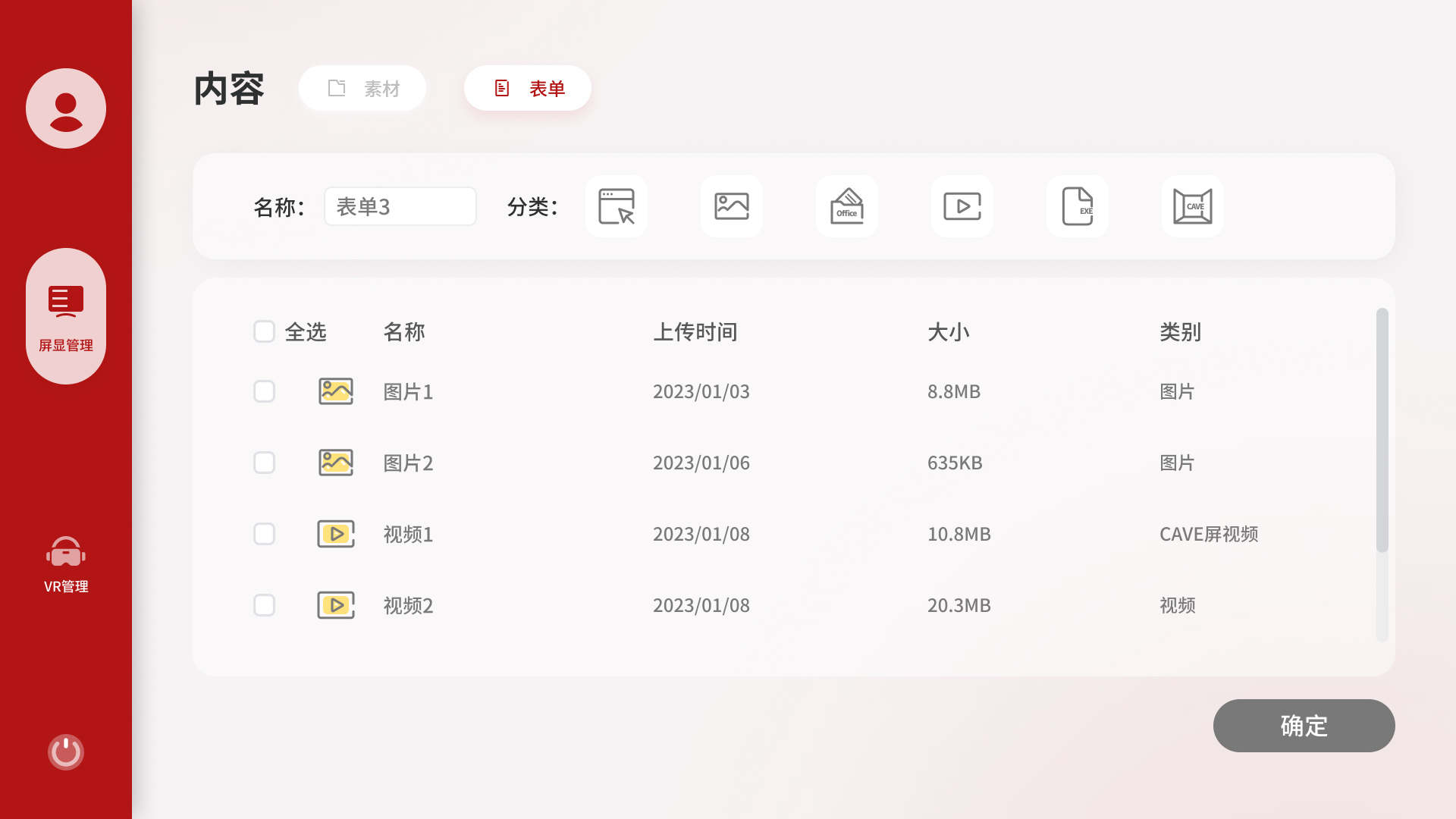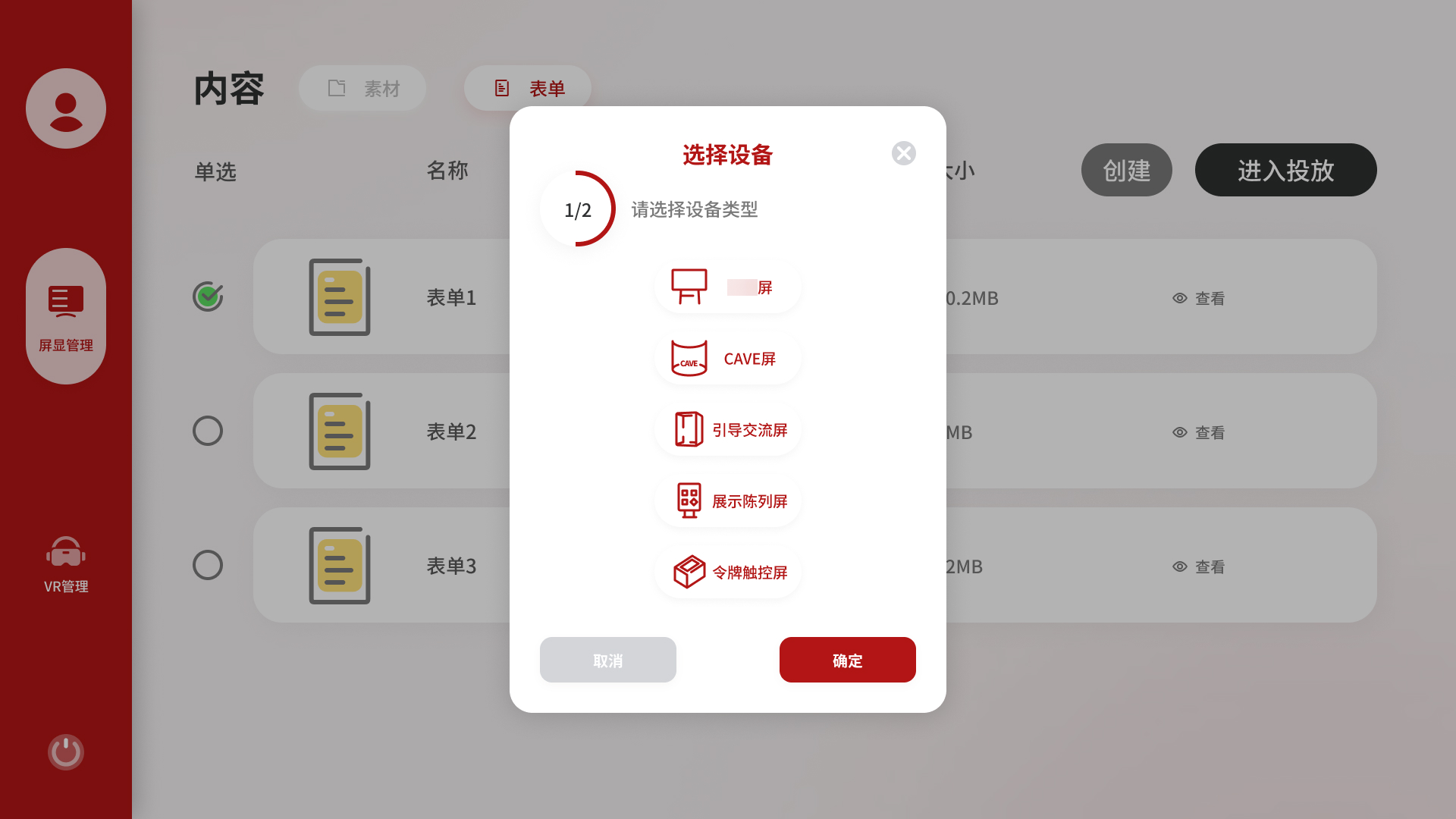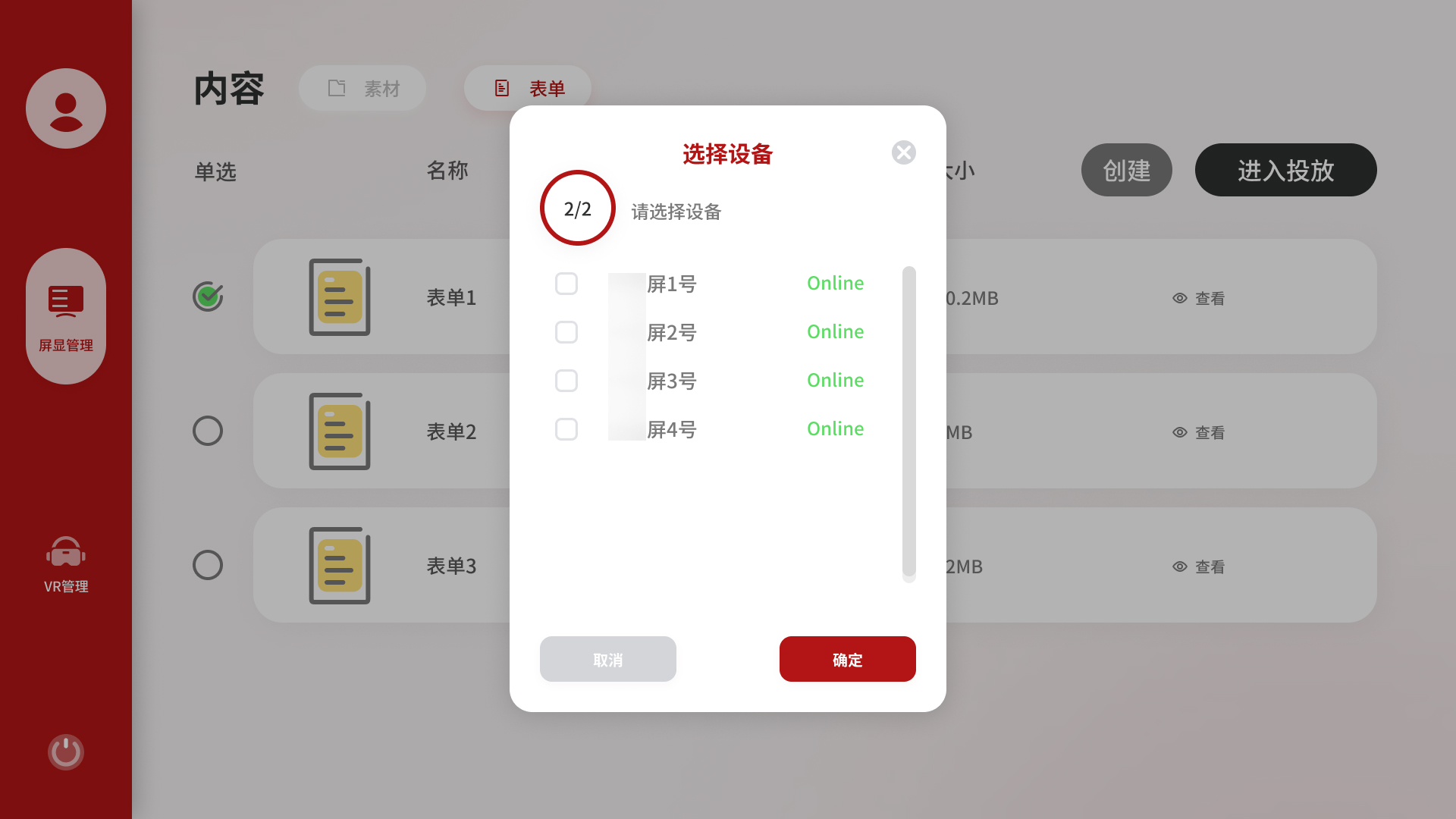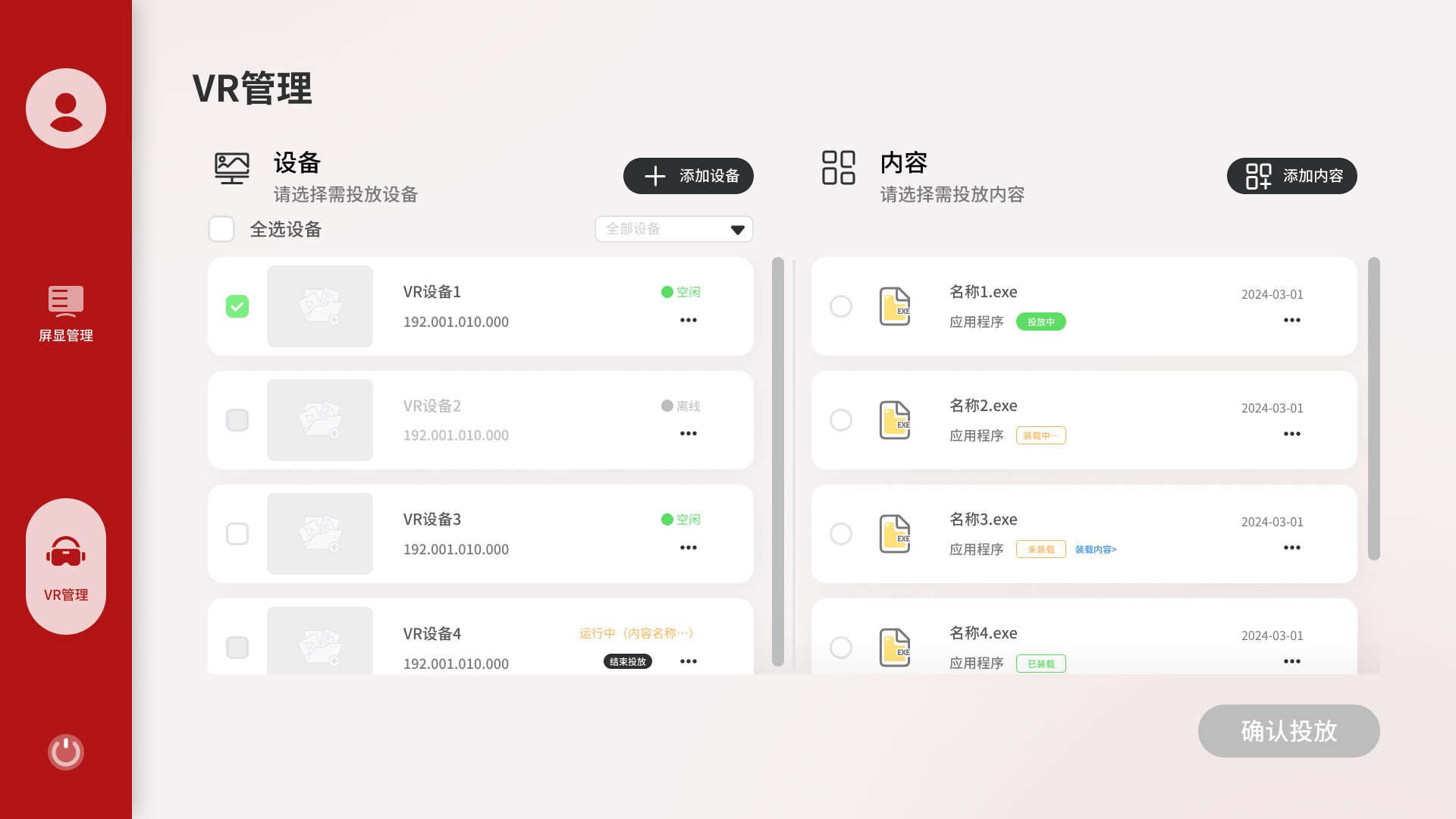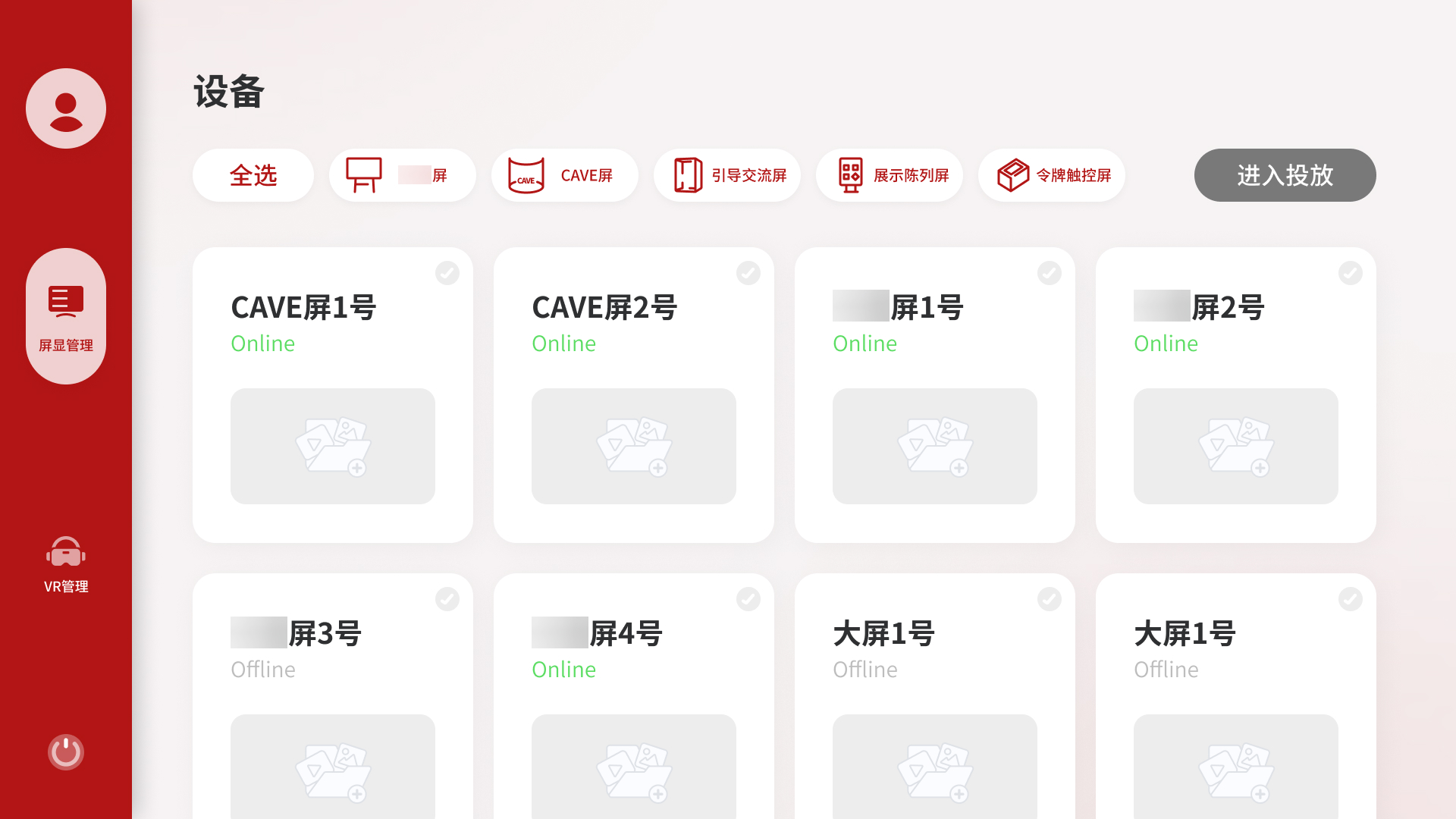
屏显管理提供了两个发起投放的入口:设备侧和内容侧。
从设备侧进入,用户先看到所有屏幕的状态,选定目标屏幕后再挑选内容,对应「我想给某台屏换个内容」的场景。从内容侧进入,用户先浏览素材库或表单列表,选好内容后再选择推到哪台设备,对应「我有一个素材想推出去」的场景。两个入口指向同样的投放结果,但操作路径的出发点不同,各自符合对应场景下用户的自然思维顺序。
Display Management provides two ways to start a broadcast: from the device side and from the content side.
Entering from the device side, the user sees all screens and their current status first, then picks content. This matches the scenario, "I want to change what's playing on this screen." Entering from the content side, the user browses the media library or playlist library first, then selects a target device. This matches, "I have something I want to push out." Both paths lead to the same outcome, but each follows the natural flow of its scenario.